

 Schedule a demo
 Watch it work

5 watts or 10 watts
The Loc3-5Tx covers most distribution and service locates. The Loc3-10Tx puts twice the output on the line for long runs, deep utilities, and poor grounding.
Vivax-Metrotech · Complete Locator Kit · 5-Watt or 10-Watt
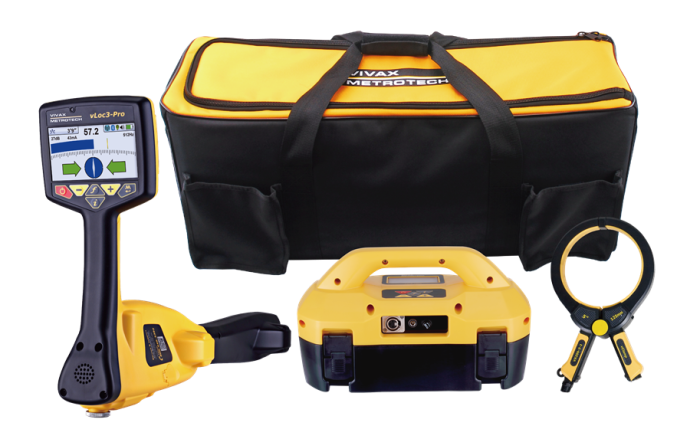
The Vivax-Metrotech vLoc3-Pro receiver with a Loc3 5-Watt or 10-Watt broadband transmitter, leads, ground stake, signal clamp, and kit bag. Eight configurations, one page.
Demonstrated before you buy, set up and trained on delivery, and supported by Intermountain Sales for the life of the locator.
What is the vLoc3-Pro Kit
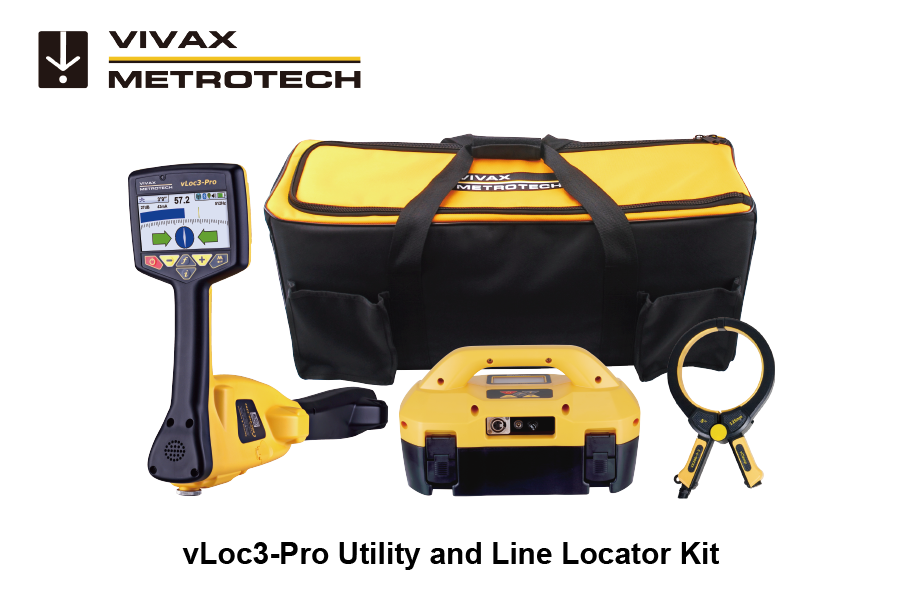
The vLoc3-Pro Kit pairs the Vivax-Metrotech vLoc3-Pro receiver with a Loc3 Series broadband transmitter. You choose three things: 5 or 10 watts of transmitter output, the standard receiver or one with Signal Direction (SD), and alkaline or Li-ion transmitter power. That makes eight kits, and every one of them is listed below with its order code.
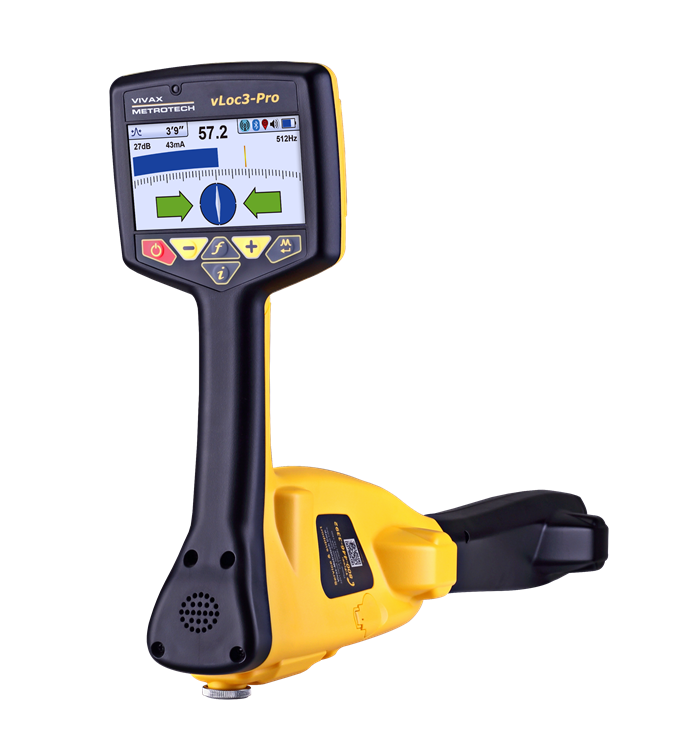
The vLoc3-Pro is the receiver crews pick for congested streets. Its Vector, Plan View, and Transverse Graph screens show where the line runs and how clean the signal is, not just how strong it is.
In the box
Every configuration ships with the same accessories. The order code sets the transmitter wattage, the receiver type, and the transmitter battery.
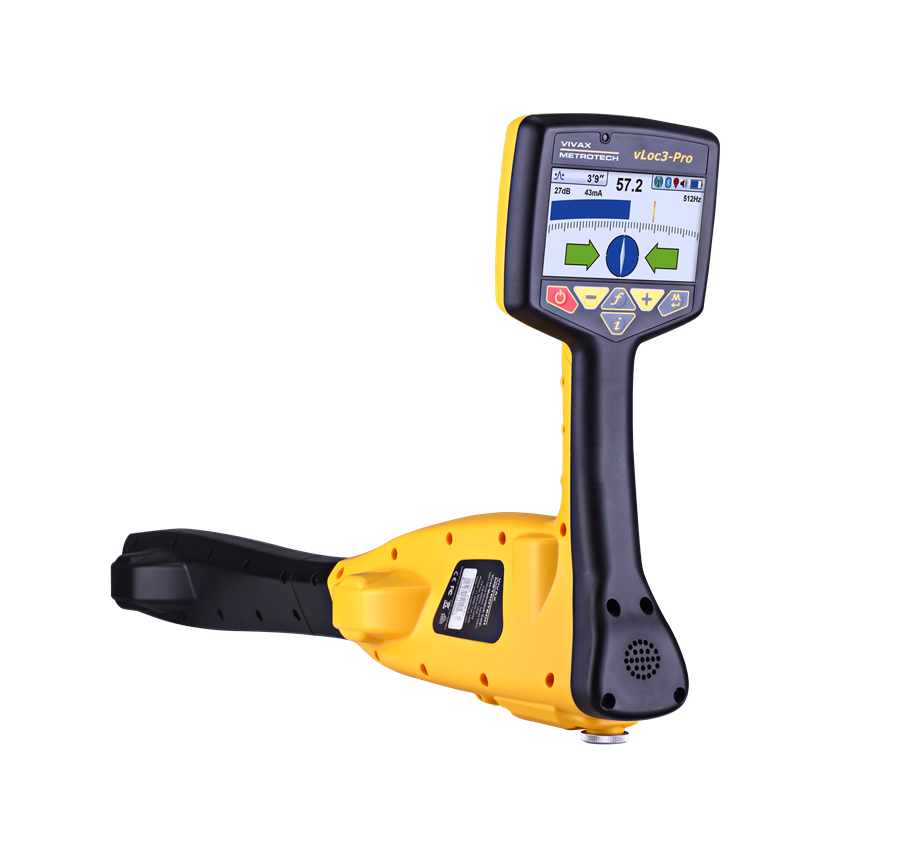
4.3-inch color screen, eight locate modes.
View product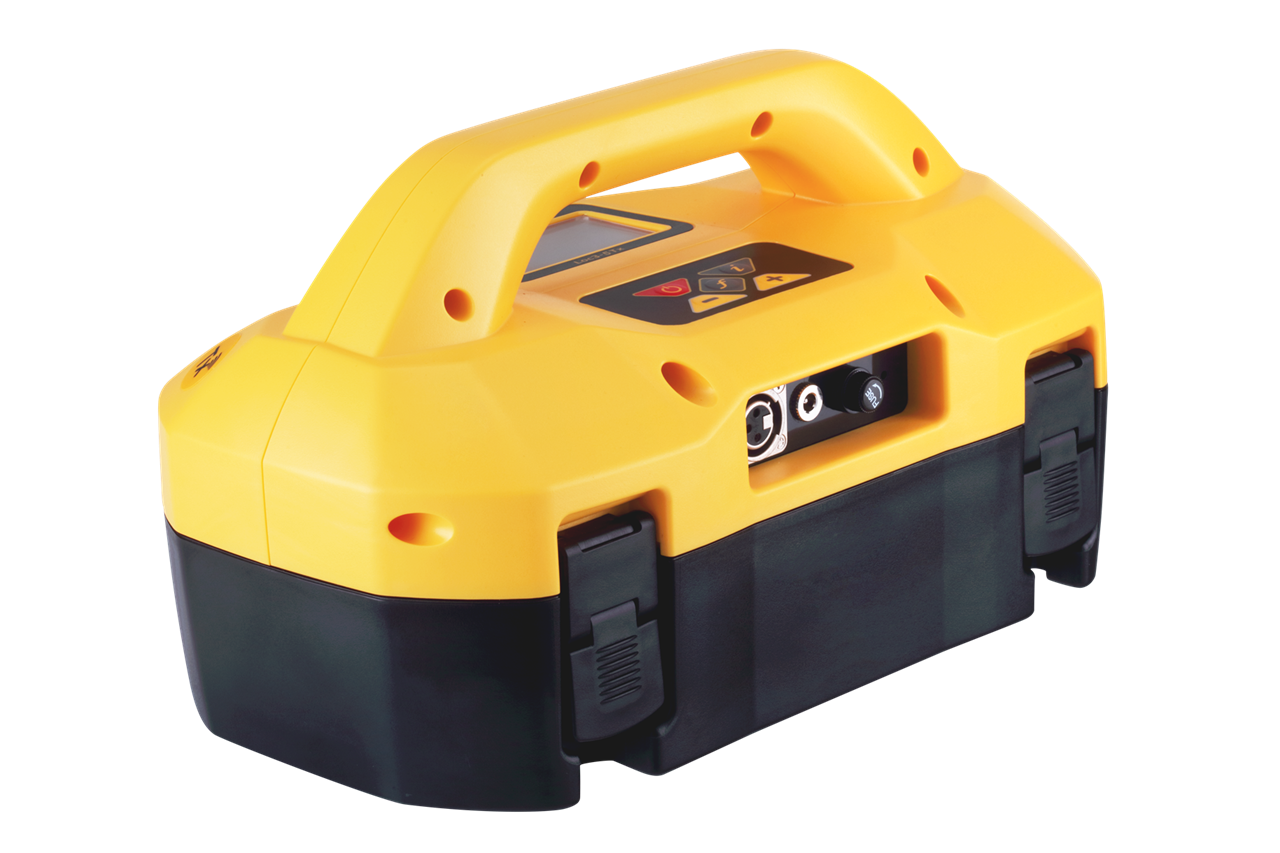
5-Watt or 10-Watt broadband signal source.
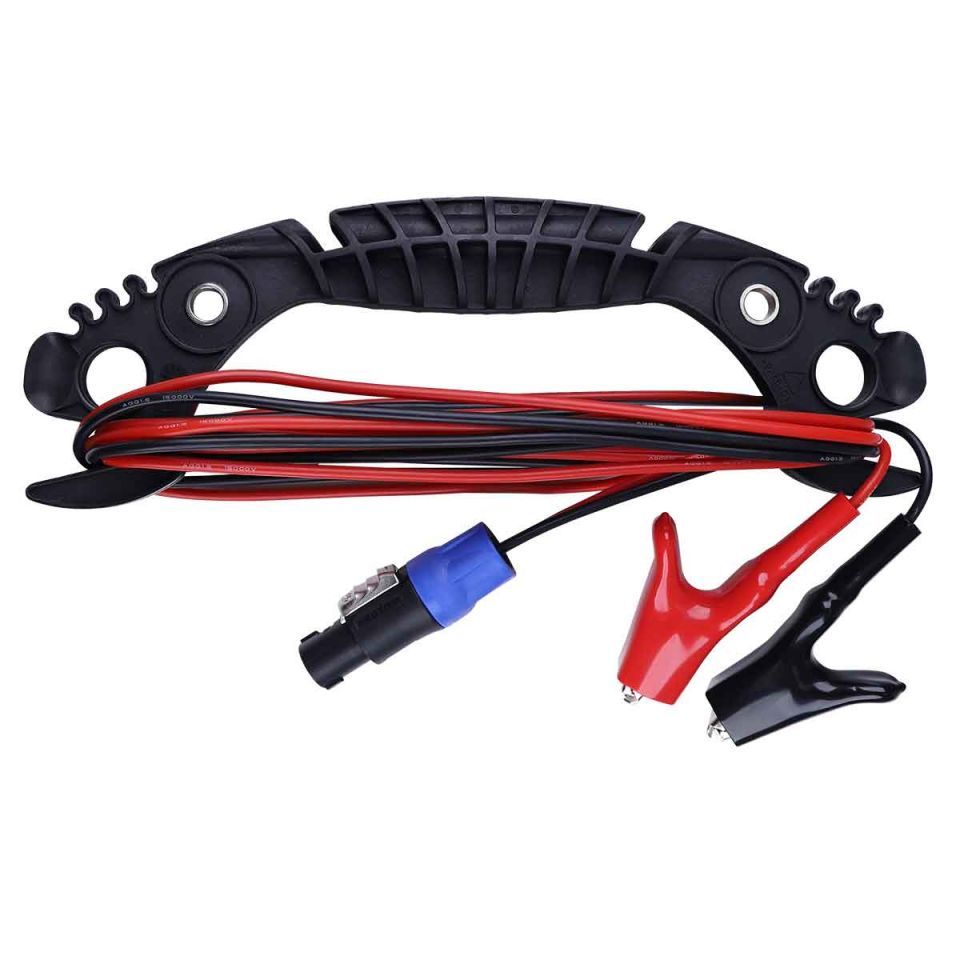
Standard clips with blue twist-lock plug.
View product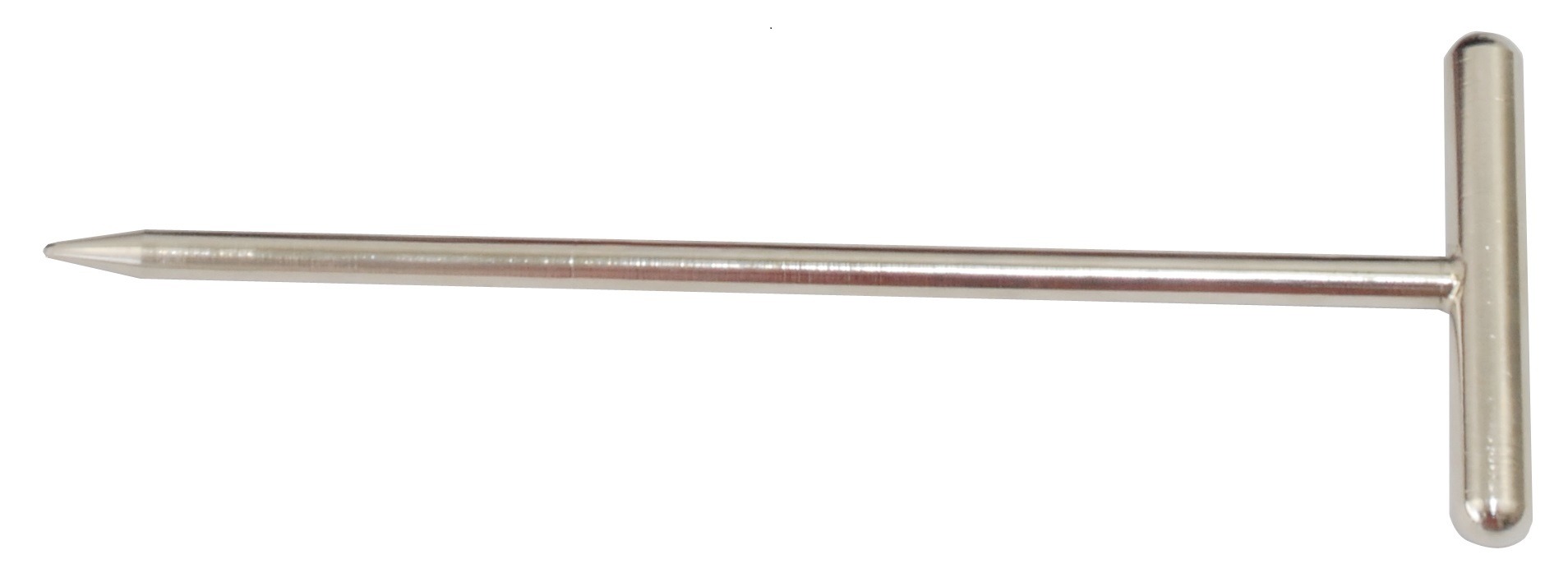
Completes the circuit for direct connection.
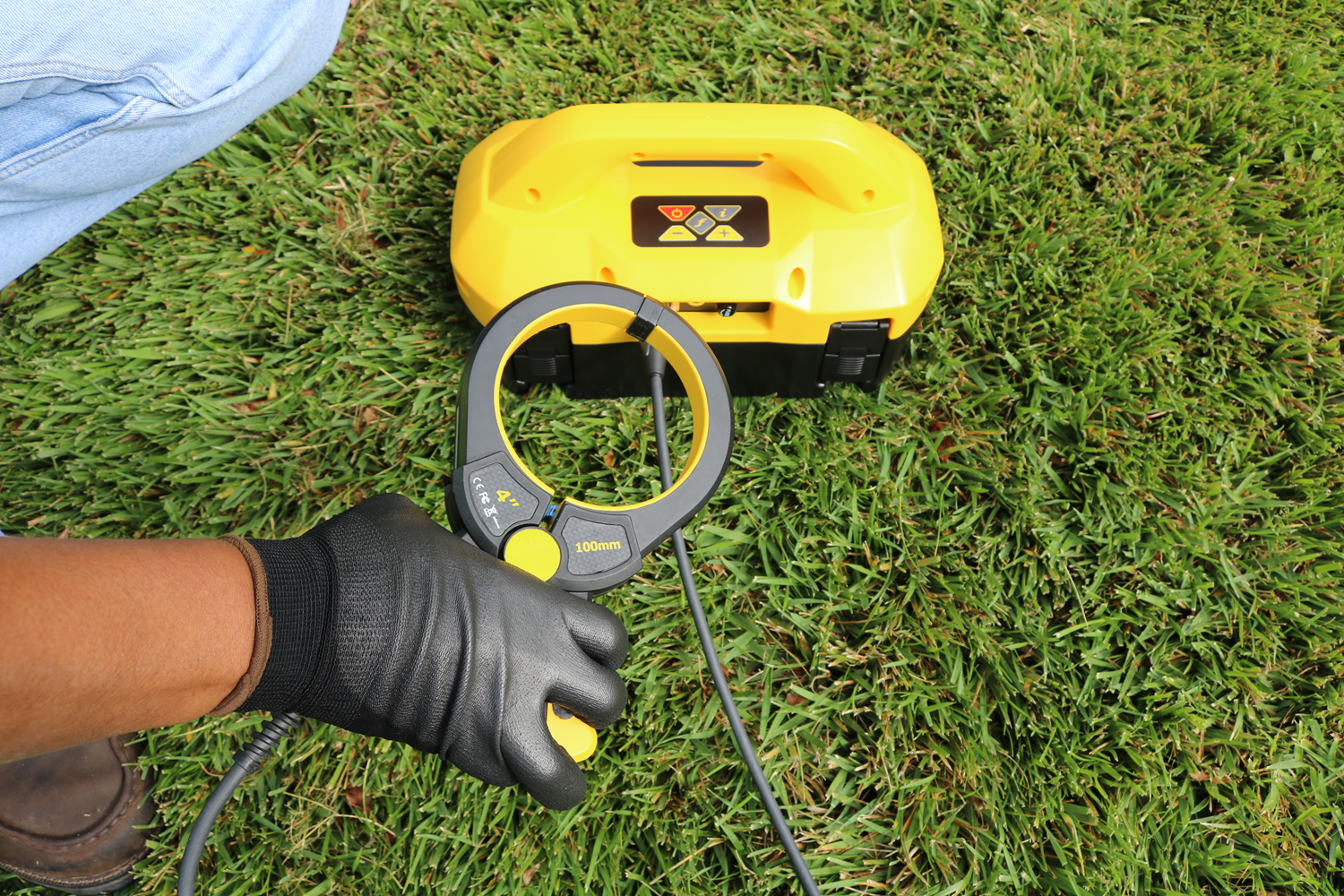
Puts signal on a line without a direct connection.
View product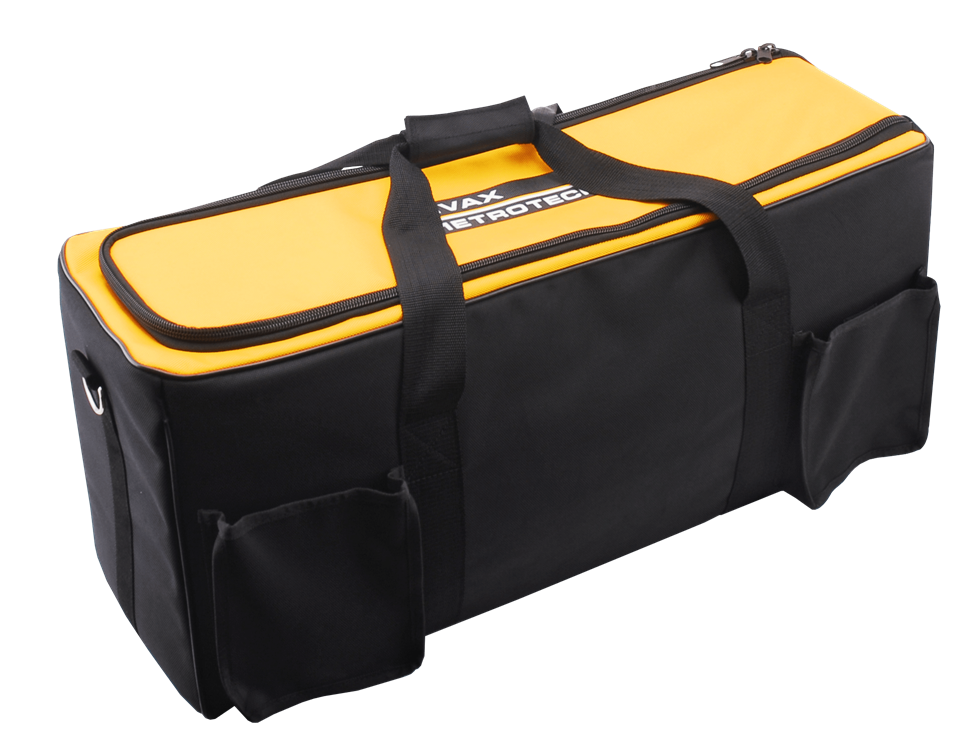
Holds the receiver, transmitter, clamp, charger, and manual.
View productChoose your kit
Every kit includes Bluetooth and Wi-Fi. Pick the transmitter wattage, the receiver, and the transmitter battery.
The Loc3-5Tx covers most distribution and service locates. The Loc3-10Tx puts twice the output on the line for long runs, deep utilities, and poor grounding.

Order codes starting V3A03 include the SD receiver, which confirms the line you are on carries your transmitter's signal and not return current. V3A01 codes are the standard receiver.

Codes ending -C-US use the alkaline battery tray in the transmitter. Codes ending -CN-US (5-Watt) or -CO-US (10-Watt) ship with a Li-ion battery and charger instead.
| Order code | Kit configuration | Receiver | Transmitter power |
|---|---|---|---|
| 5-Watt kits · Loc3-5Tx transmitter | |||
| V3A01-J01-C-US | vLoc3-Pro 5-Watt Kit, BT, WiFi, US | Standard | Alkaline |
| V3A03-J01-C-US | vLoc3-Pro 5-Watt Kit, SD, BT, WiFi, US | SD receiver | Alkaline |
| V3A01-J01-CN-US | vLoc3-Pro 5-Watt Kit, BT, WiFi, Li-ion, US | Standard | Li-ion |
| V3A03-J01-CN-US | vLoc3-Pro 5-Watt Kit, SD, BT, WiFi, Li-ion, US | SD receiver | Li-ion |
| 10-Watt kits · Loc3-10Tx transmitter | |||
| V3A01-K01-C-US | vLoc3-Pro 10-Watt Kit, BT, WiFi, US | Standard | Alkaline |
| V3A03-K01-C-US | vLoc3-Pro 10-Watt Kit, SD, BT, WiFi, US | SD receiver | Alkaline |
| V3A01-K01-CO-US | vLoc3-Pro 10-Watt Kit, BT, WiFi, Li-ion, US | Standard | Li-ion |
| V3A03-K01-CO-US | vLoc3-Pro 10-Watt Kit, SD, BT, WiFi, Li-ion, US | SD receiver | Li-ion |
BT = Bluetooth. WiFi = Wi-Fi connectivity. SD = Signal Direction. US = North American version.
The screens
The vLoc3-Pro gives your operator more than a bar graph. Each mode answers a different question in the field.
The classic modes. Peak finds the strongest signal over the line, arrows point you to it, and Null gives a sharp minimum right on top with the compass aligned to the cable.

Detect the line regardless of blade orientation, so a new operator does not have to hold the receiver at the perfect angle to pick it up.

Vector shows a cross-section of the ground, useful when you cannot stand over the line. Transverse Graph shows peak and null together. Plan View shows the line from above.
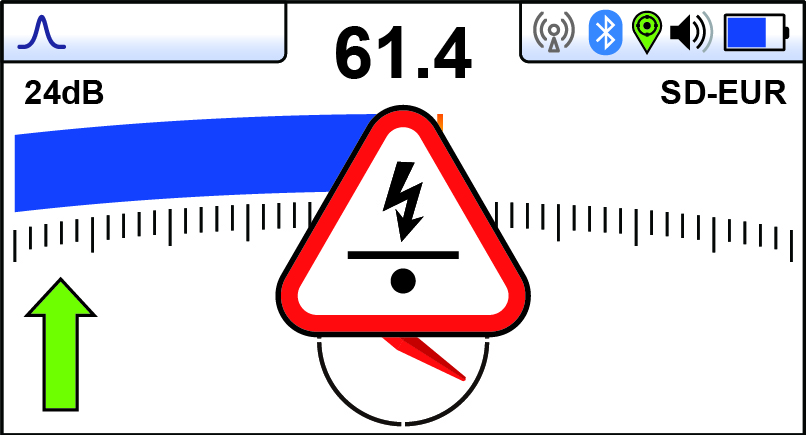
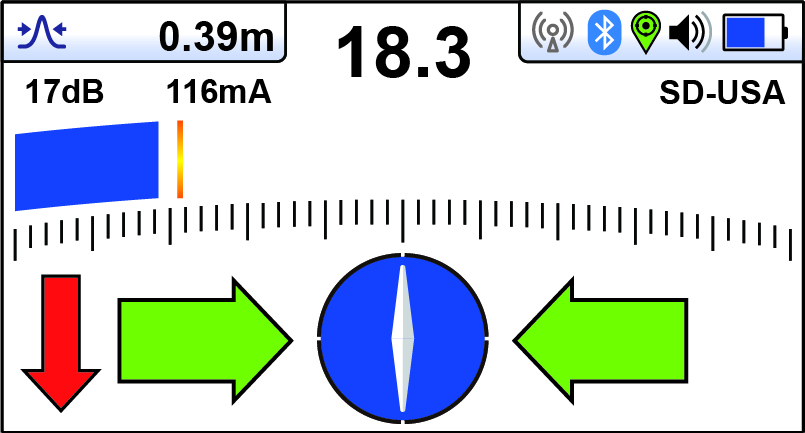
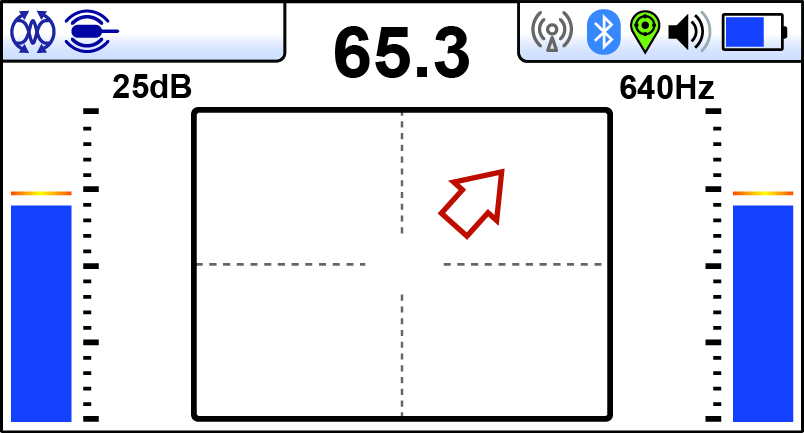
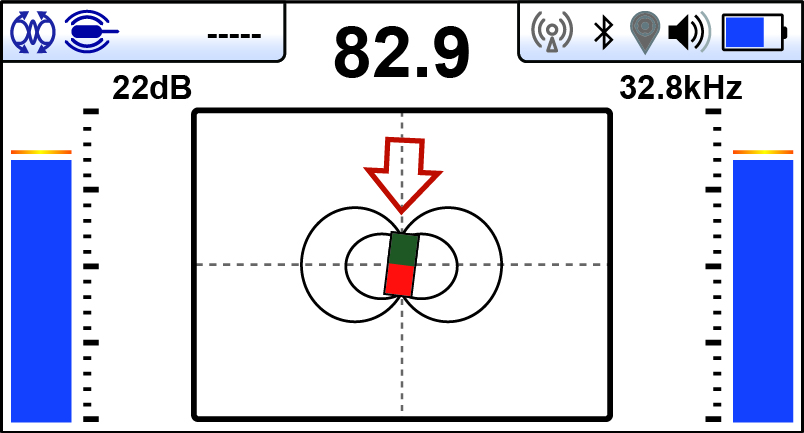
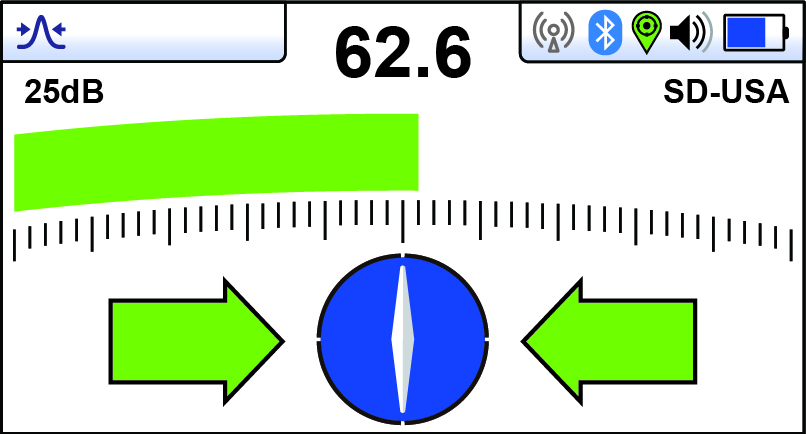
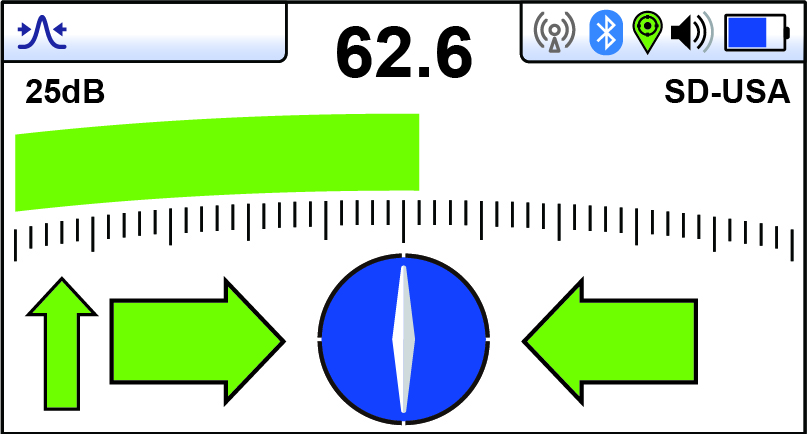
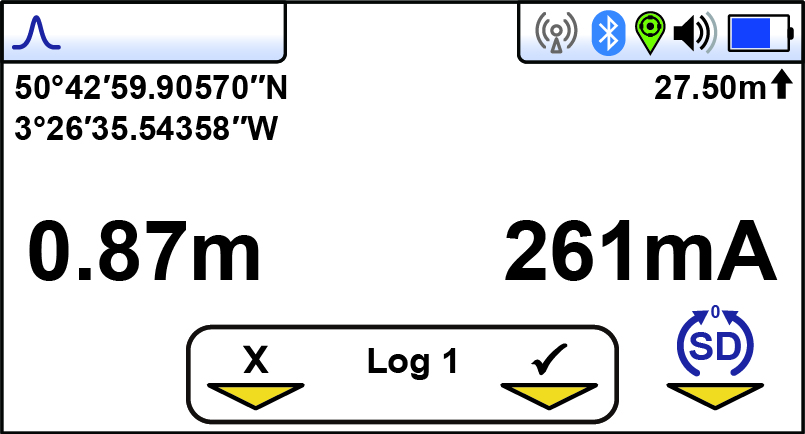
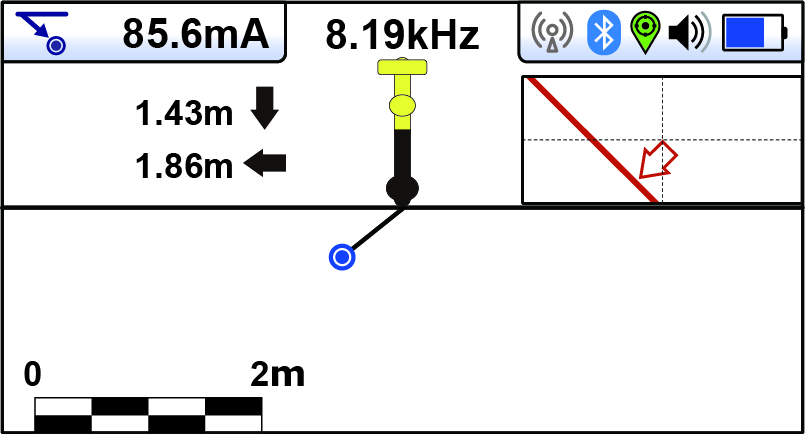
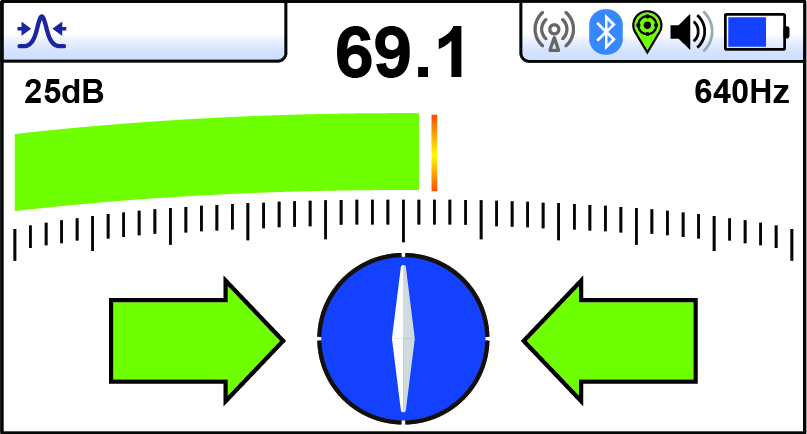
Sonde mode adds red guidance arrows to walk you to a sonde in non-metallic pipe. Fault Find mode is built in for locating cable faults.
How the vLoc3-Pro finds the line
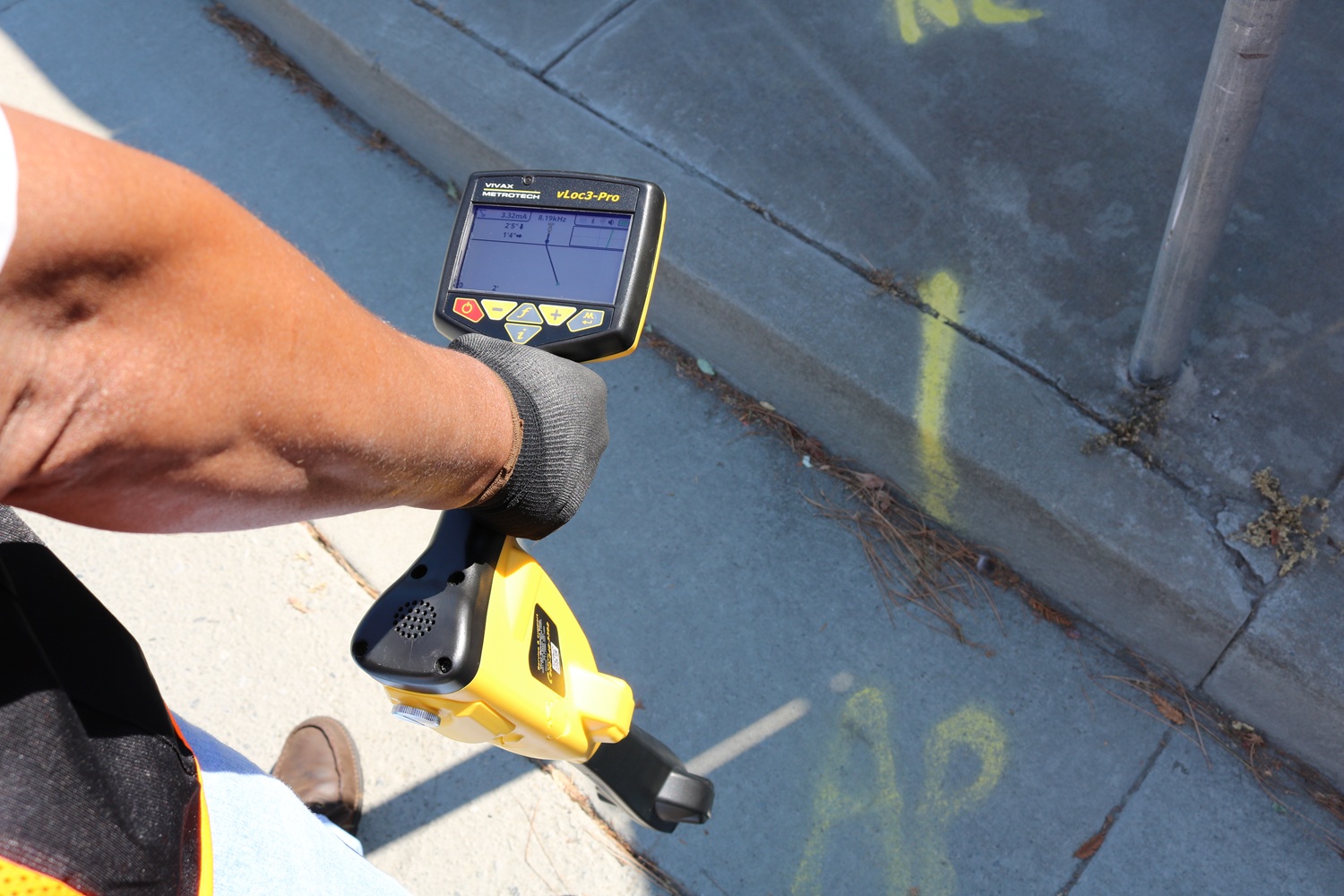
This is the vLoc3-Pro classic locate screen over a single buried line with a clean signal. It is the screen most crews run all day.
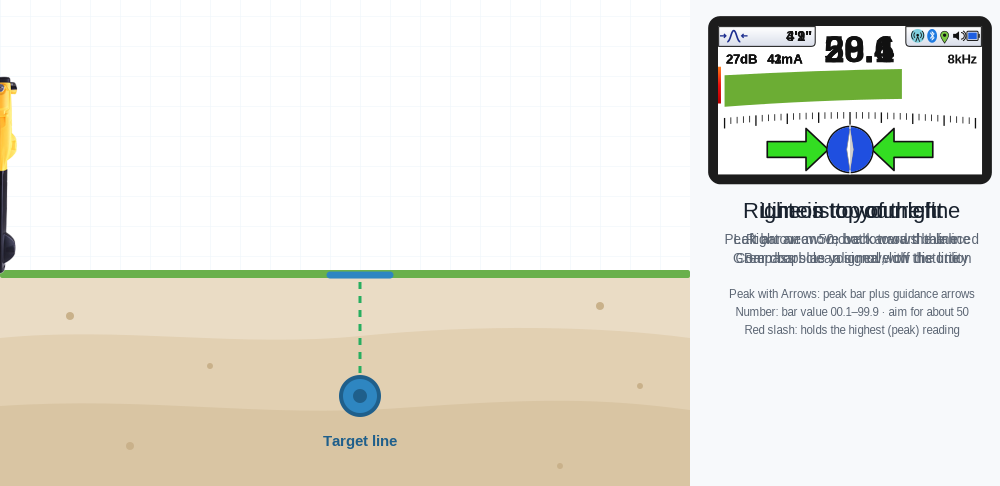
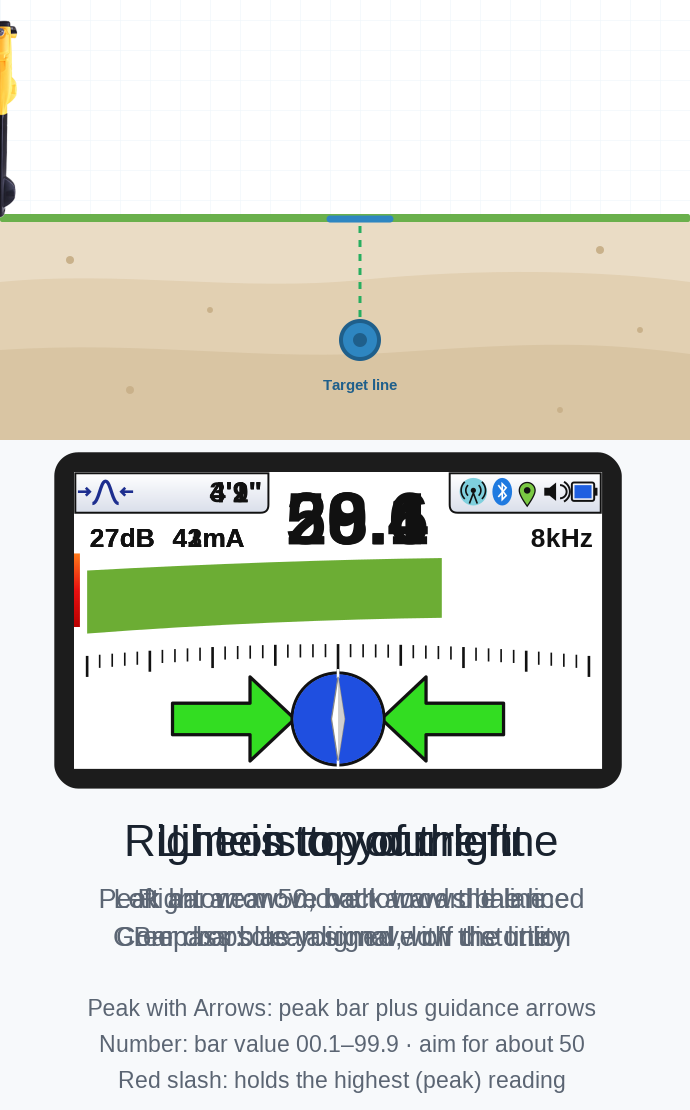
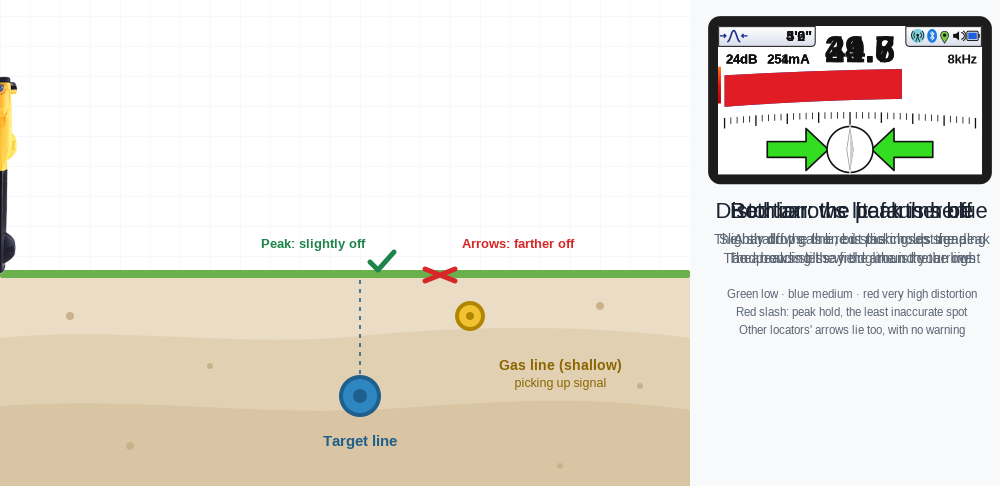
vLoc3-Pro distortion alert
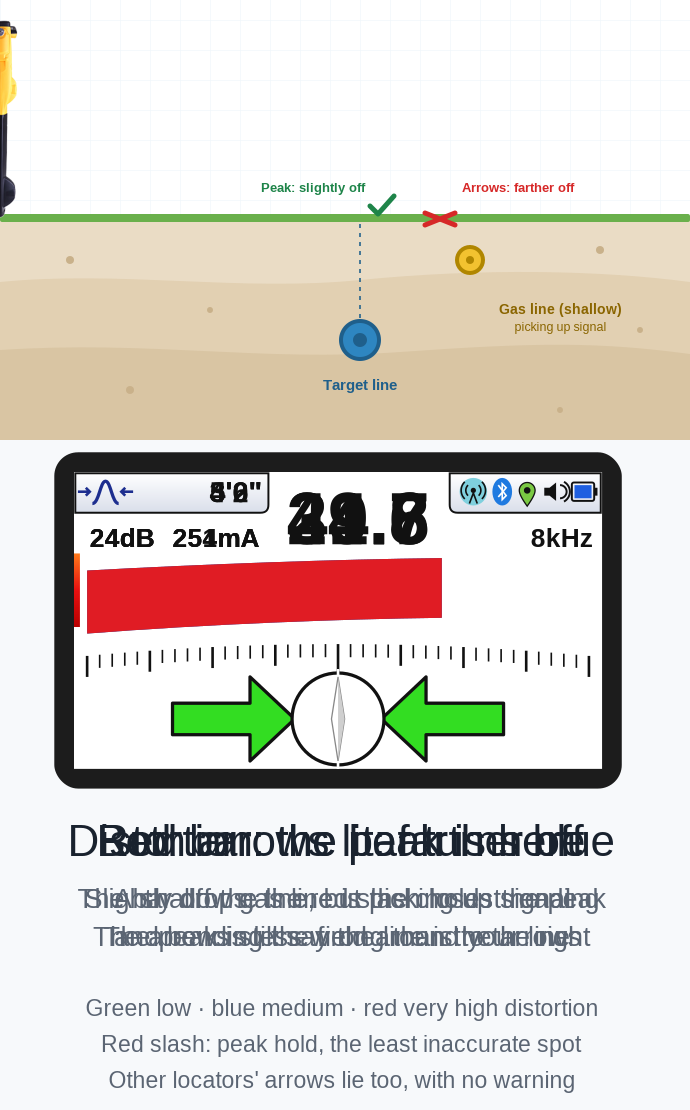
A distorted signal happens on nearly every locate. Here the signal leaves the target line round, then the shallow gas line picks it up and re-radiates it. Like wakes from two boats crossing, the two fields bend each other.
Reading the bar
The same screen, three conditions. Teach your crew these three colors and they will know when a mark can be trusted.


Distortion comes from other utilities, rebar, steel culverts, and overhead power bending the magnetic field around your line. When the bar goes blue or red, step back and confirm before you mark:
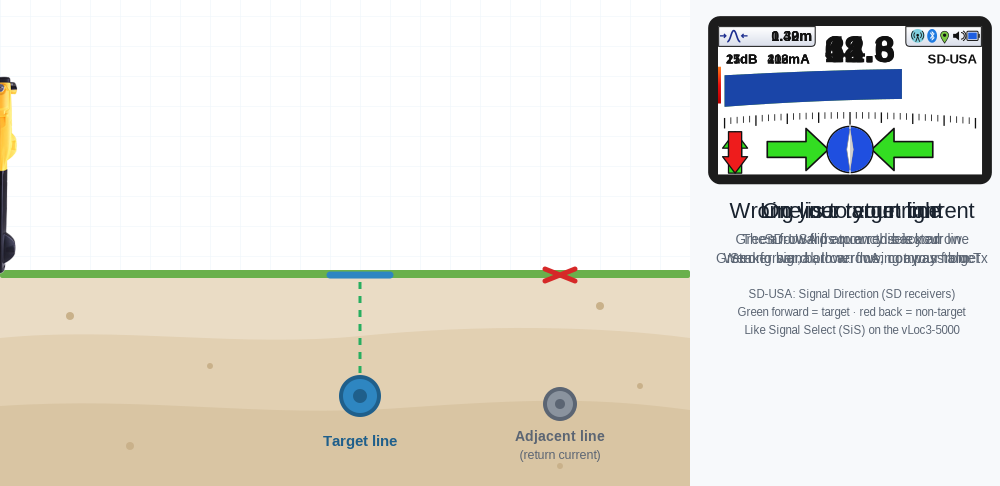
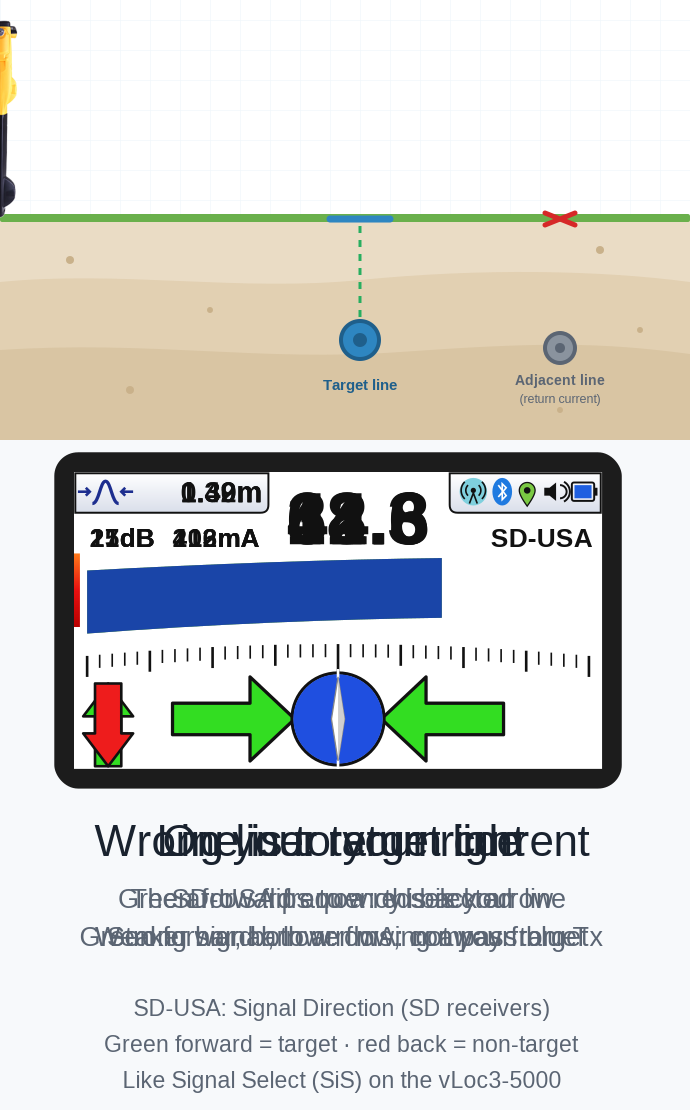
Signal Direction (SD-USA)
On vLoc3-Pro kits with the SD receiver (order codes starting V3A03), select the SD-USA frequency and a direction arrow appears on the locate screen.
It works much like Signal Select (SiS) on the vLoc3-5000 Kit.
Built for the field
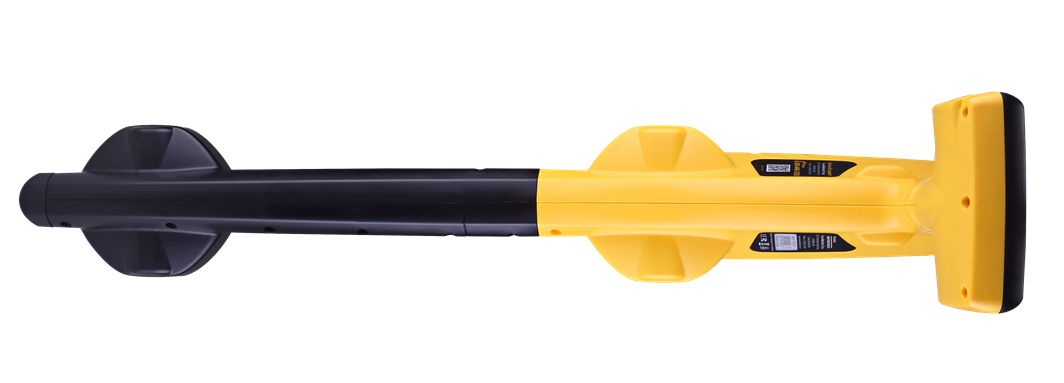
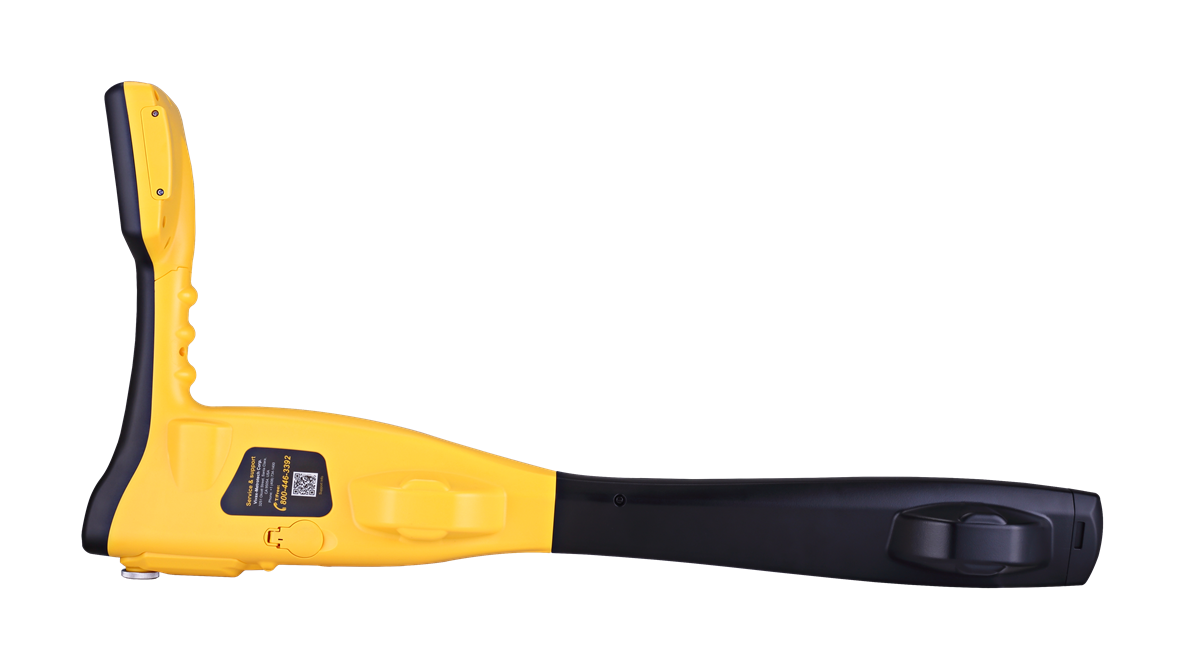
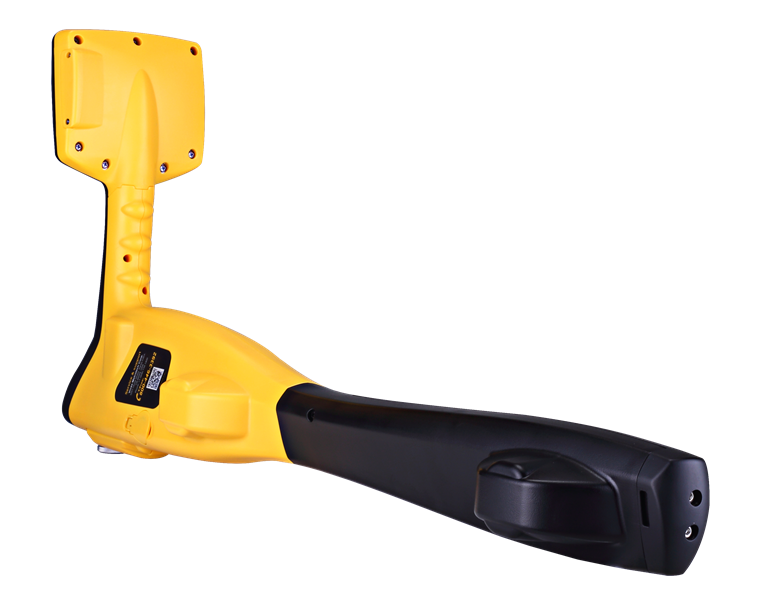
The vLoc3-Pro is Vivax-Metrotech's professional-grade receiver, built around dual 3D omnidirectional antenna arrays and a bright 4.3-inch color display. Its locate screens show signal distortion clearly, so crews can confirm they are on the right line in congested corridors.
Signal overload, shallow cable, and swing alerts by sound and vibration, so the operator does not have to stare at the screen.
The receiver runs on alkaline batteries or a rechargeable Li-ion pack.

Download data logs and install firmware upgrades.

Pair with GPS and smartphones for data logging with VMMap and MyLocator3.

Connect the A-Frame for fault finding, a stethoscope antenna, or the M.L.A. marker locator adapter.

Sealed for rain, dust, and daily use on the truck.
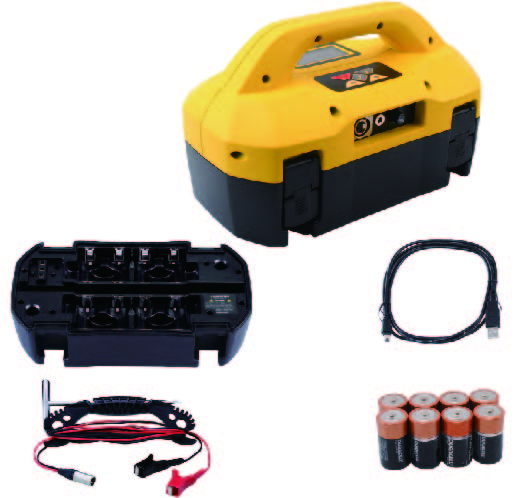
The transmitter
Both Loc3 Series transmitters apply signal by direct connection, by clamp, or by induction, and switch frequencies to match the job. The difference is power: the 10-Watt Loc3-10Tx can drive twice the output of the 5-Watt Loc3-5Tx for long runs and difficult ground.
With the optional transmitter radio link, the vLoc3-Pro can pair with a Loc3-10Tx and change its settings from the receiver, so the operator does not have to walk back to the truck.
In the field
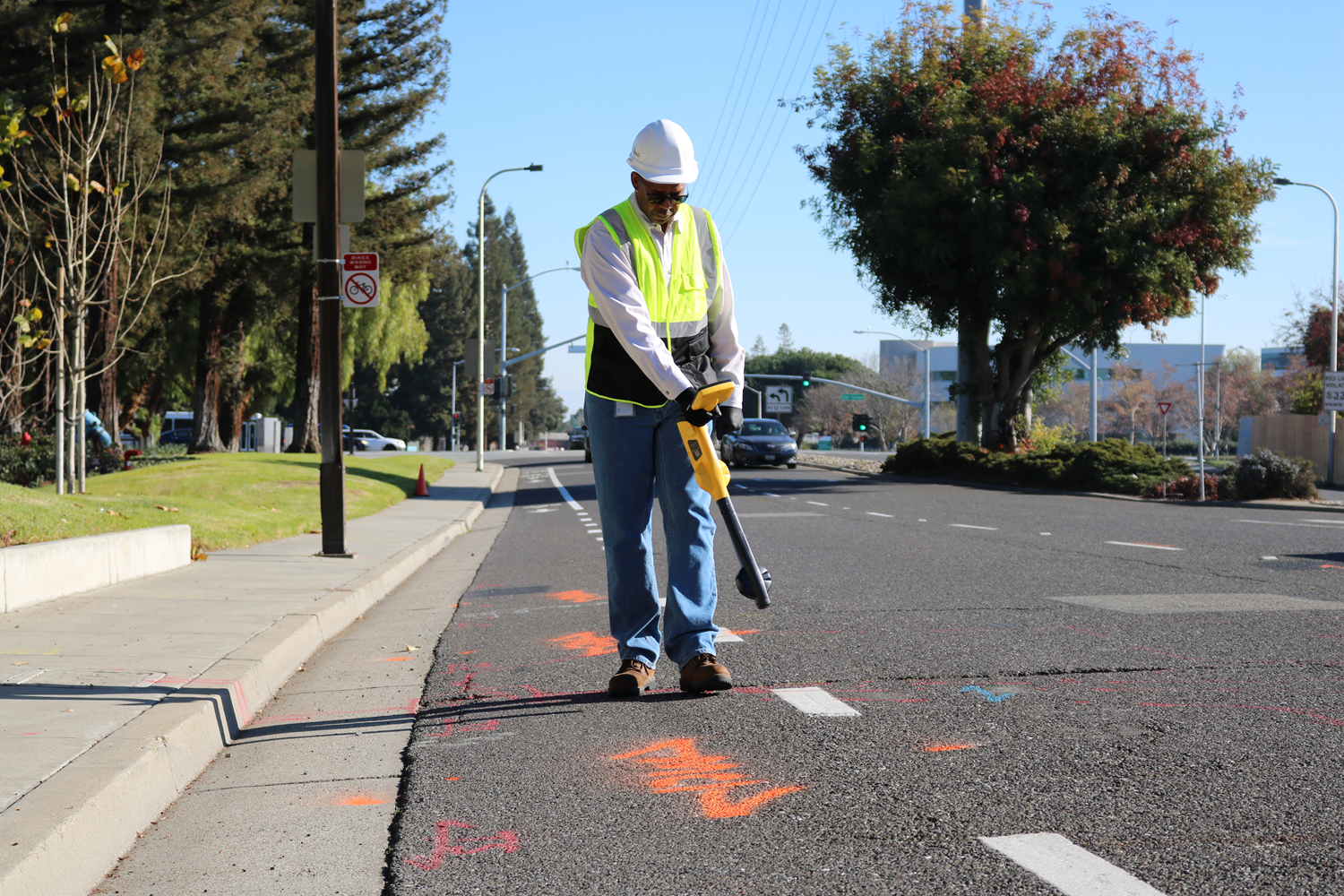

See it in action
Specifications
From Vivax-Metrotech's vLoc3-Pro documentation. Full technical specifications are in the documents below.
| Specification | vLoc3-Pro Kit |
|---|---|
| Active frequencies | 98 Hz to 200 kHz |
| Locate modes | Peak, Peak with Arrows, Omni Peak, Omni Broad Peak, Null, Vector, Transverse Graph, Plan View, Sonde |
| Other modes | Fault Find; passive power and radio |
| Signal Direction | On V3A03 kits (SD receiver) |
| Display | 4.3-inch color LCD with automatic brightness |
| Connectivity | Bluetooth and Wi-Fi; USB for data logs and firmware |
| Alerts | Audio and vibration: signal overload, shallow cable, swing |
| Receiver power | Alkaline or rechargeable Li-ion |
| Environmental rating | IP65 / NEMA 4 |
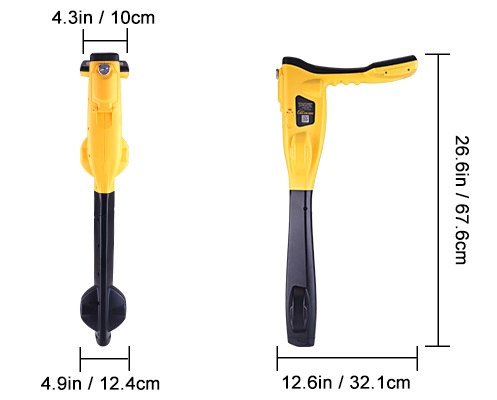
| Receiver weight | 4.6 lb (2.1 kg) |
| Transmitter | Loc3-5Tx (5 W) or Loc3-10Tx (10 W), alkaline or Li-ion |
The Intermountain Sales difference
As the oldest Vivax-Metrotech distributor in the United States, we have sold, trained on, and serviced these locators for decades. Before you buy a locator, we will ask what you locate, where, and how often, and point you to the tool that fits your crews and your budget. Sometimes that is a simpler, less expensive locator, and we will tell you so.

We bring the locator to your yard or jobsite so your crew can run it on your own utilities before you commit.

We recommend by application, not by price tag. If a lower-cost locator does the job, that is the one we will quote.

On-site training at delivery, refresher training for new hires, and help whenever your crew needs it, for the life of the product.

Repairs, calibration questions, and technical support from people who use these locators, for as long as you own it.
Find the right fit
Every vLoc3 receiver shares the same locating platform. The difference is what else it does. If you are not sure, call us and we will help you choose, or bring one out for a demo.
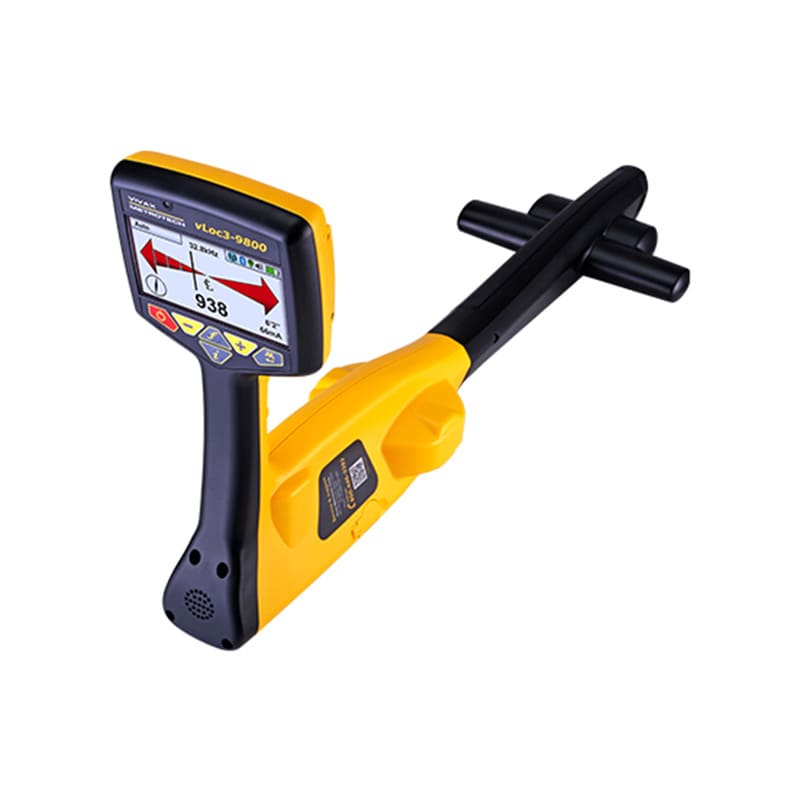
Best for: Everyday multi-utility locating
Peak-antenna Left/Right Guidance with current and compass readouts. Simple and fast to learn.
View product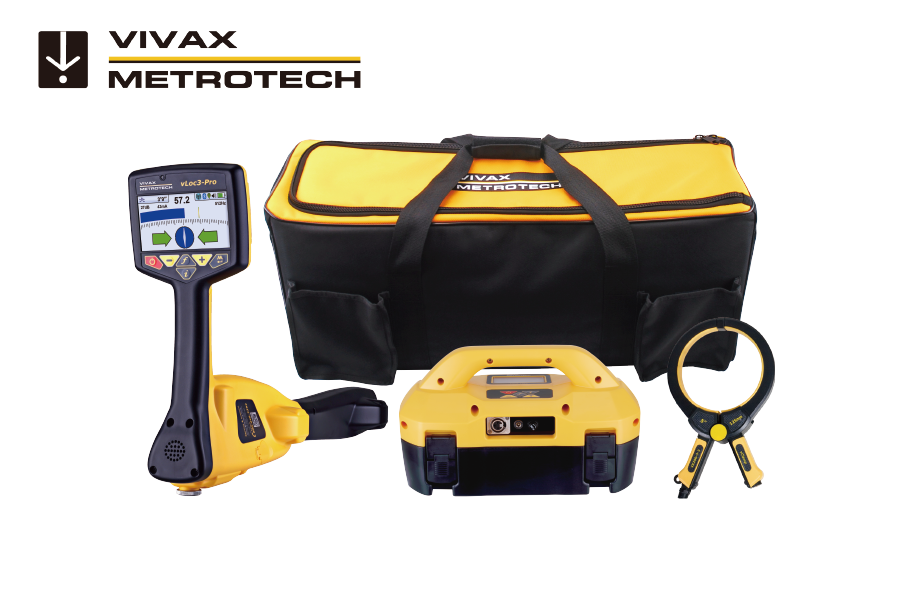
Best for: Congested corridors and distortion
4.3-inch color display with Vector Locate, Plan View, and Transverse Graph screens. SD option.
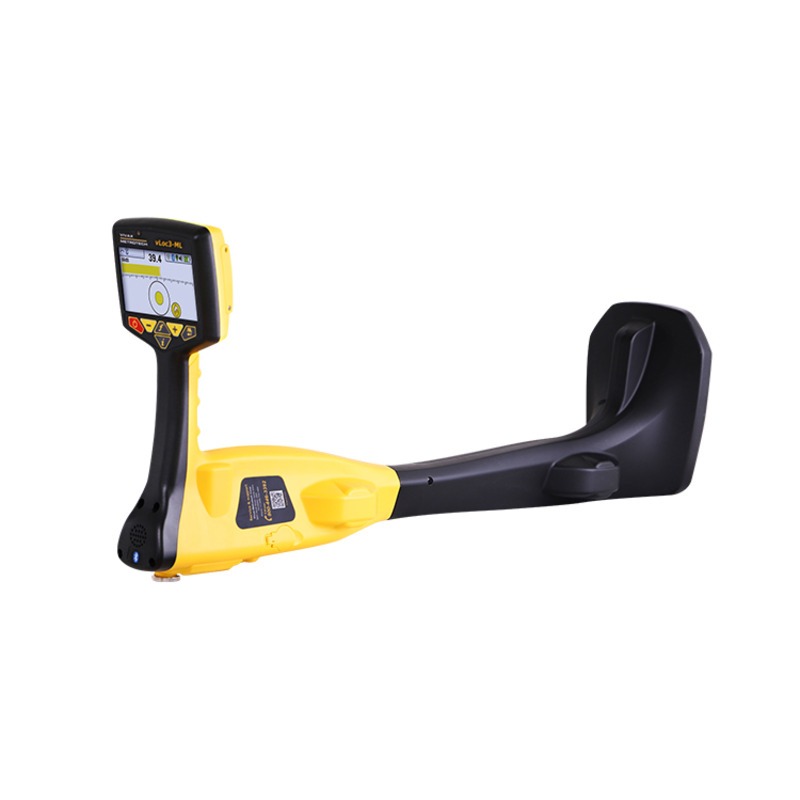
Best for: Line locating plus EMS markers
Locates buried lines and passive electronic markers in one receiver, with GPS and data logging.
View product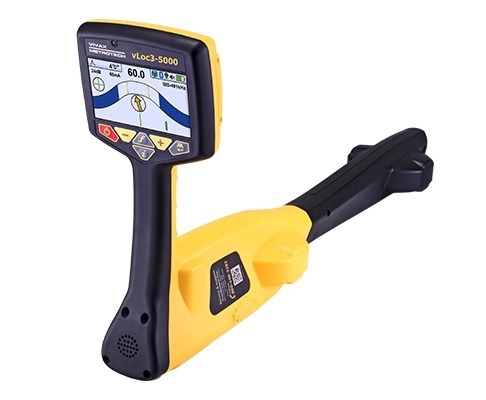
Best for: Our most capable non-RTK locator
Signal Select (SiS) line identification, built-in GPS and Bluetooth, and an extra locate screen. 10-Watt only.
View product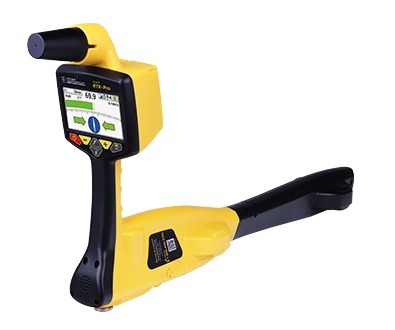
Best for: Locate and map in one pass
Survey-grade RTK GNSS built into the receiver for GIS-ready mapping.
View productWarranty
Every Vivax-Metrotech locator we sell carries a 2-year factory warranty. Add the one-year extended warranty (order code WARRANTY-1 YEAR) for 10% of the kit's list price and you are covered for 3 years. Ask us to include it on your quote.
Applications
Documentation
 vLoc3-Pro Sales SheetProduct overviewvLoc3-Pro Technical SpecificationsComplete spec sheetvLoc3 Series Receiver User HandbookFull operator manualvLoc3 Series Quick GuideGet started fastvLoc3-Pro Training PresentationCrew training materialThe Theory of Pipe and Cable LocatingLocating fundamentalsLoc3-5Tx Sales Sheet5-Watt transmitter overviewLoc3-5Tx Technical Specifications5-Watt transmitter specsLoc3-10Tx Sales Sheet10-Watt transmitter overviewLoc3-10Tx Technical Specifications10-Watt transmitter specs
Questions
Related
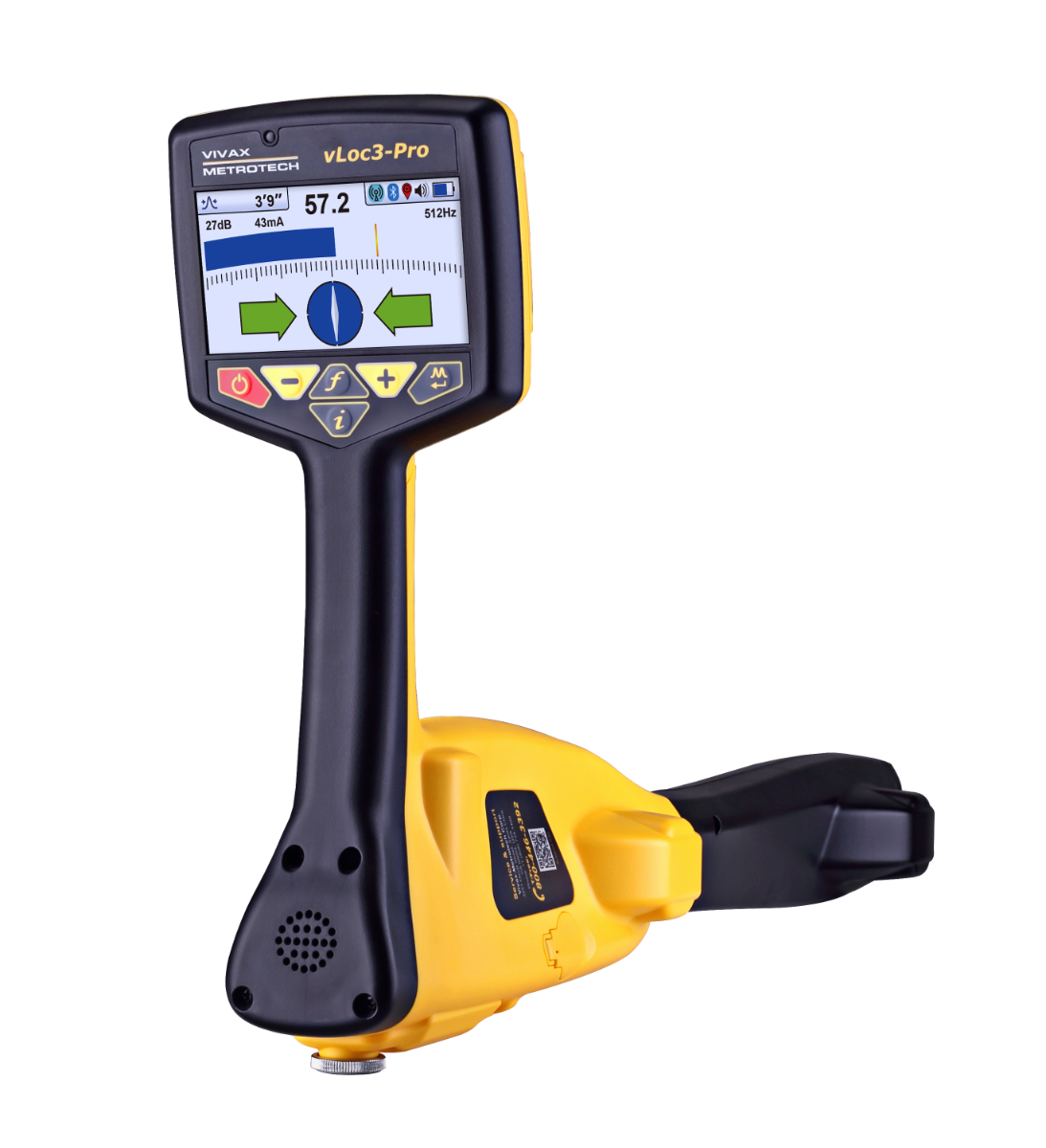
The receiver in this kit, sold separately.
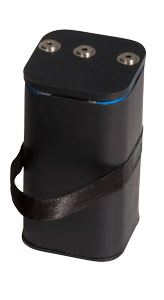
A spare Li-ion pack for the vLoc3-Pro receiver.
Replacement soft bag for vLoc3 kits.
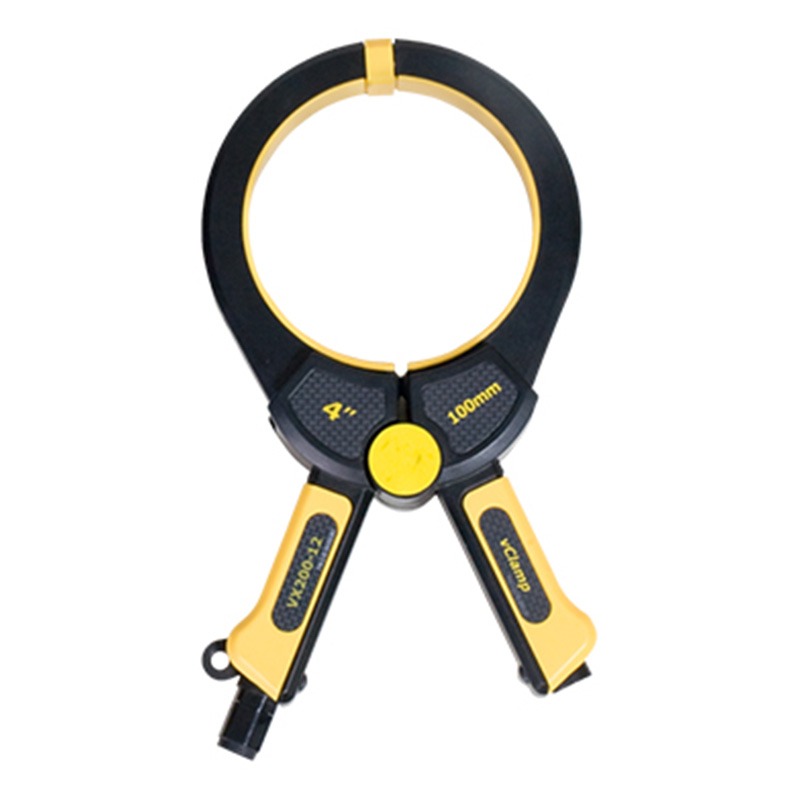
Additional clamp sizes for tight access.
Talk to a locating specialist
Request a quote on any vLoc3-Pro Kit configuration, or schedule a demo. We will help you pick the right wattage, receiver, and battery for your crew.
or call (303) 762-1070
Validate your login